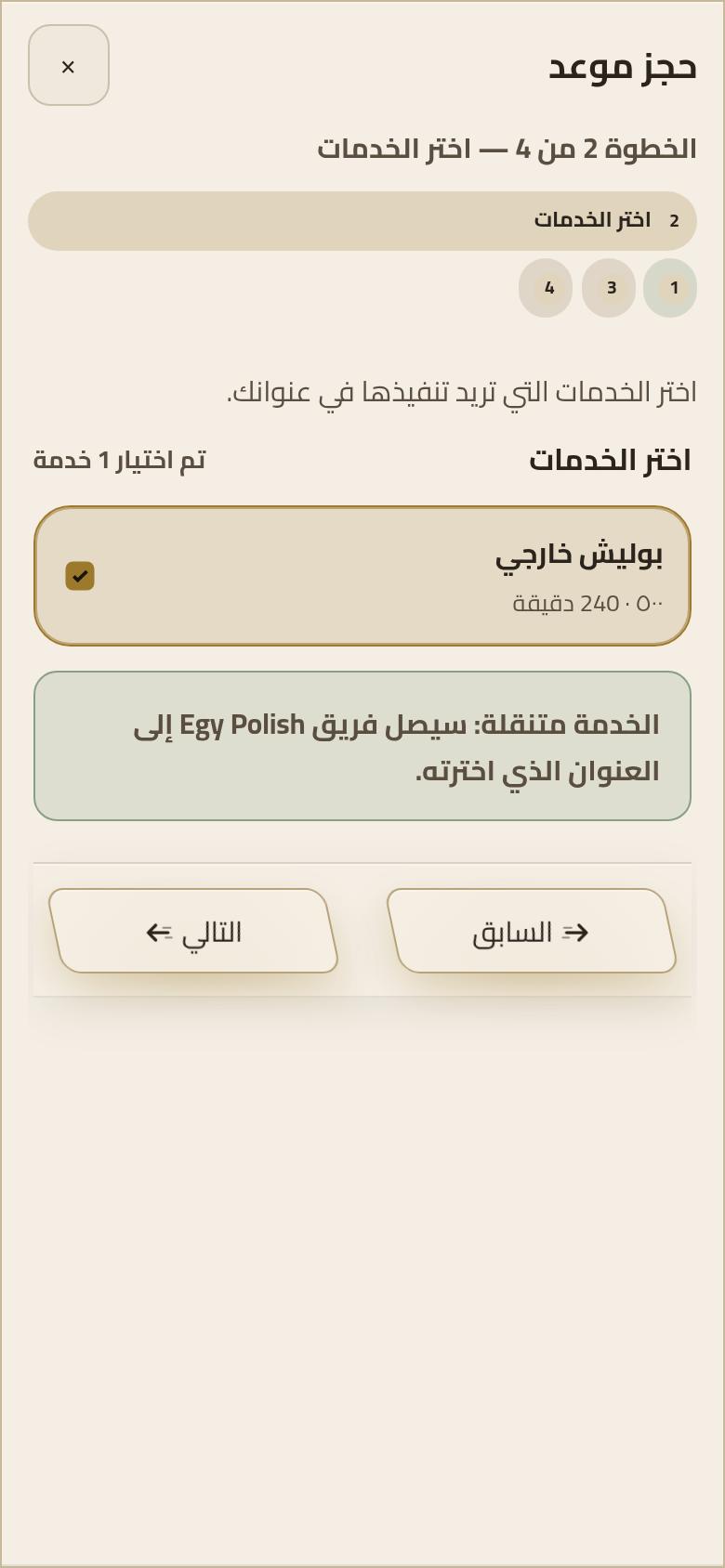
Five steps, the way booking actually runs
The screens are from booking inside the account: the service and price, the car, an open appointment, the place and the cost, then confirmation.
- 1
1. Choose the service
From the published list. The name and the price are visible before the booking button.
- 2
2. Add the car
Inside the account, so the price and the appointment are saved against the right car.
- 3
3. Pick an open appointment
The day and time come from the appointments that are shown. If none are open, the page says so and you pick another day.
- 4
4. Confirm the place and the price
The address has to be a place where we can stand safely inside New Cairo. The cost is the service price, and any difference is said before you confirm.
- 5
5. Get the confirmation
After the booking is in, the confirmation stays in the account: service, price, place, and time. The team then comes to the car.